Guide
How to send virtual flowers by text
Create your bouquet, copy its recipient link, and paste it into a text conversation. The person you send it to opens the flowers and card in their browser.
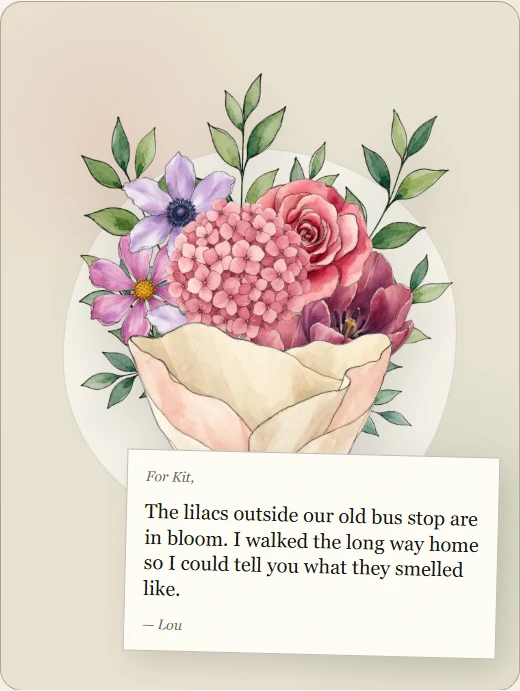
A small hello from home
Lou sends Kit a memory from their old bus stop. Try the opening to see how an ordinary text can lead to a full flower card.
Open the sample bouquetPersonalize its flowers and cardCreate the link you will send
For a note like Lou’s, try Window at Dusk in the long-distance collection. Make the message your own and fill in both names. In the share step, use Preview recipient view, finish verification and choose Create my bouquet.
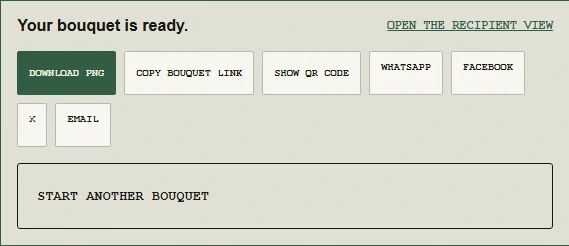
Choose Copy bouquet link when the maker shows Your bouquet is ready. The link opens your finished gift. A template or public example link opens that sample for everyone.
Send it in a text message
Open the conversation in your messaging app. Paste the bouquet link and add a line such as “These reminded me of our walk home.” Send the message when you want your flowers to arrive.
On a phone with system sharing, Share bouquet also opens the device’s share sheet. If copying is unavailable, the maker shows a selectable bouquet link.
Share it through WhatsApp
Choose WhatsApp beside the finished bouquet. Select the conversation, check the recipient and send the message. You can also paste the same link into an existing WhatsApp chat.
The recipient taps Open your bouquet to reveal the flowers and start the chosen music when playback is available. The card includes music controls. With reduced motion, the open arrangement is shown directly.
Send a picture or show a QR code
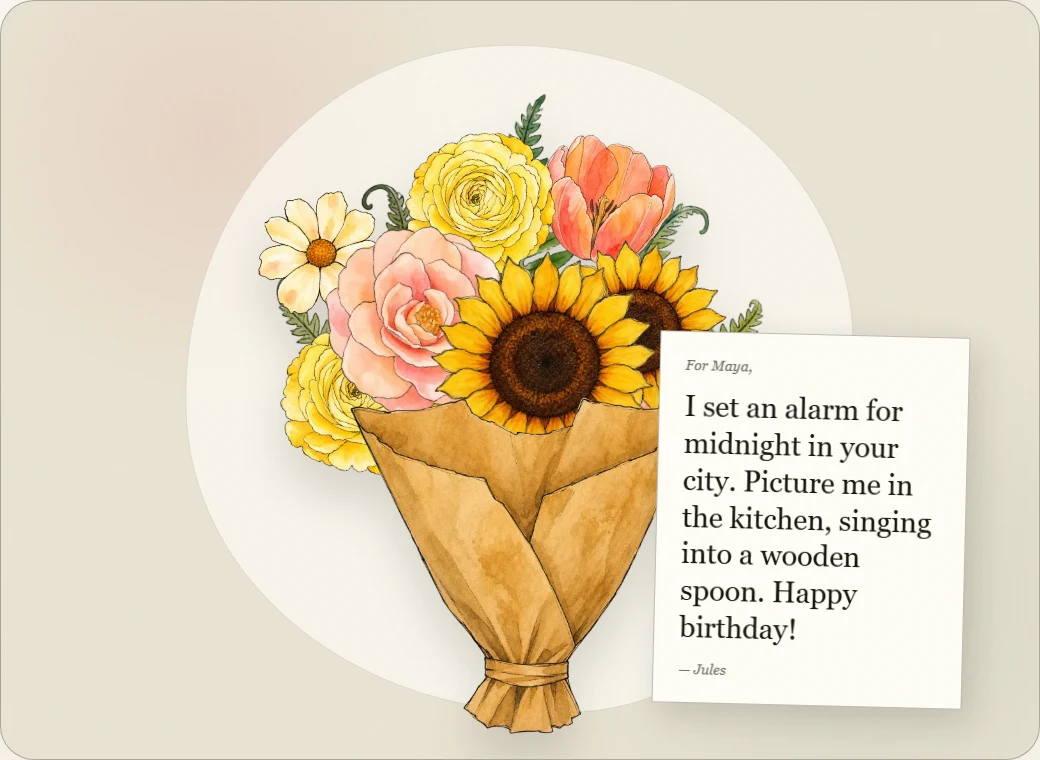
Download PNG saves the flowers and the complete message as a still image. Attach it to a text when you want the card to appear in the conversation. Send the link alongside it if you also want them to hear the music.
Show QR code displays a code for that bouquet. Someone nearby can scan it from your screen and open the same recipient link. Keep the code with the people you intend to share the card with.
Choose flowers for your card
Choose a long-distance bouquet · All 18 free bouquet designs